
Bug reports
Point to the exact UI issue.
SCREEN CAPTURE, WITH A CLEAR NEXT STEP
Capture what matters. Add arrows, numbers and notes. Hide details, extract text, then copy or save. A lightweight desktop app for Windows and macOS.
Windows 11 · x64 + ARM64
macOS 14+ · Apple Silicon
Screenshots show the Windows app in English; Colbe Shot is available for Windows and macOS.
01 / EXPLAIN THE DETAILS
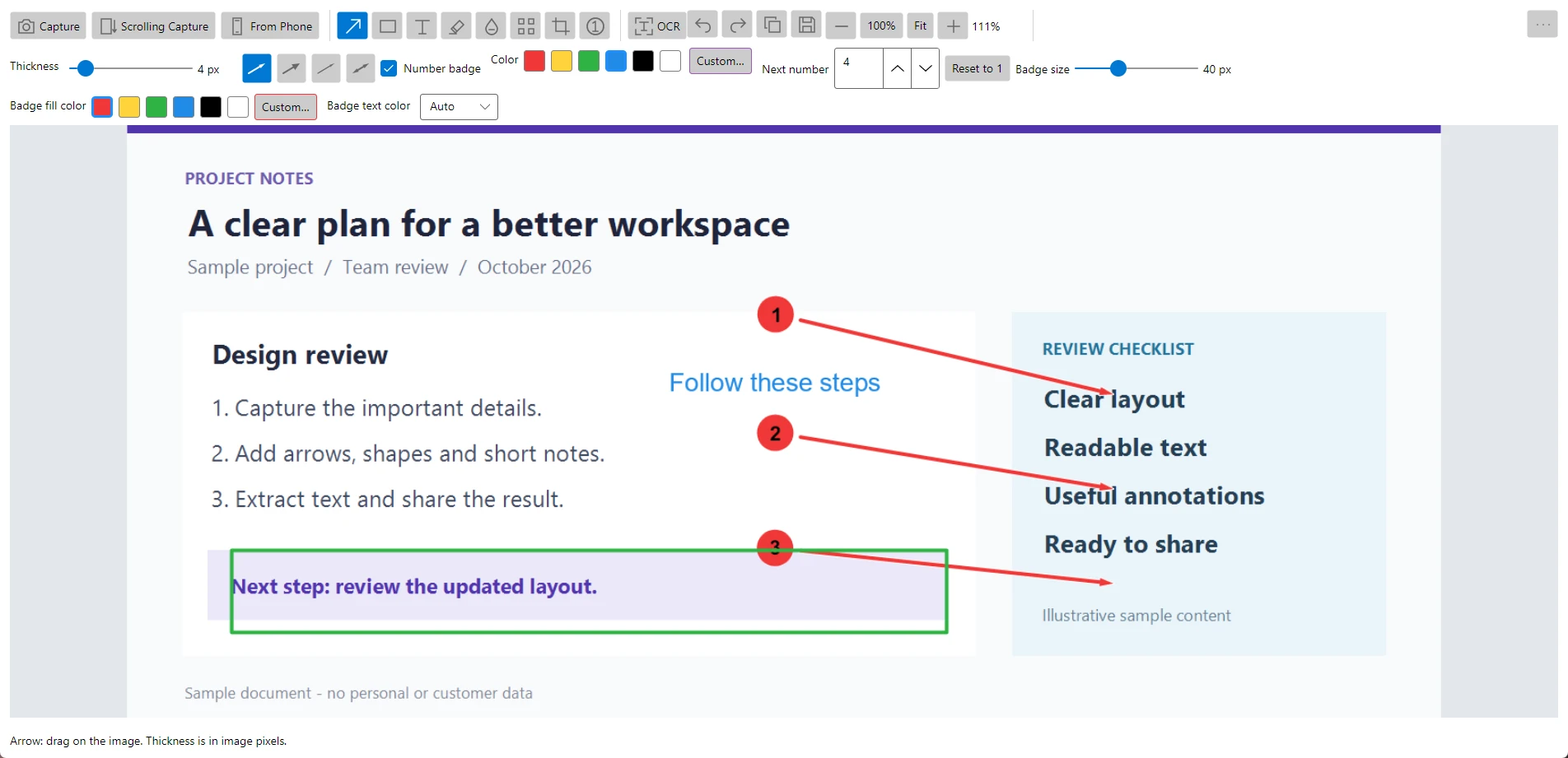
An arrow shows where. A number shows what comes next. Add a rectangle or a short note to turn a screenshot into useful instructions.
02 / FROM PHONE TO DESKTOP
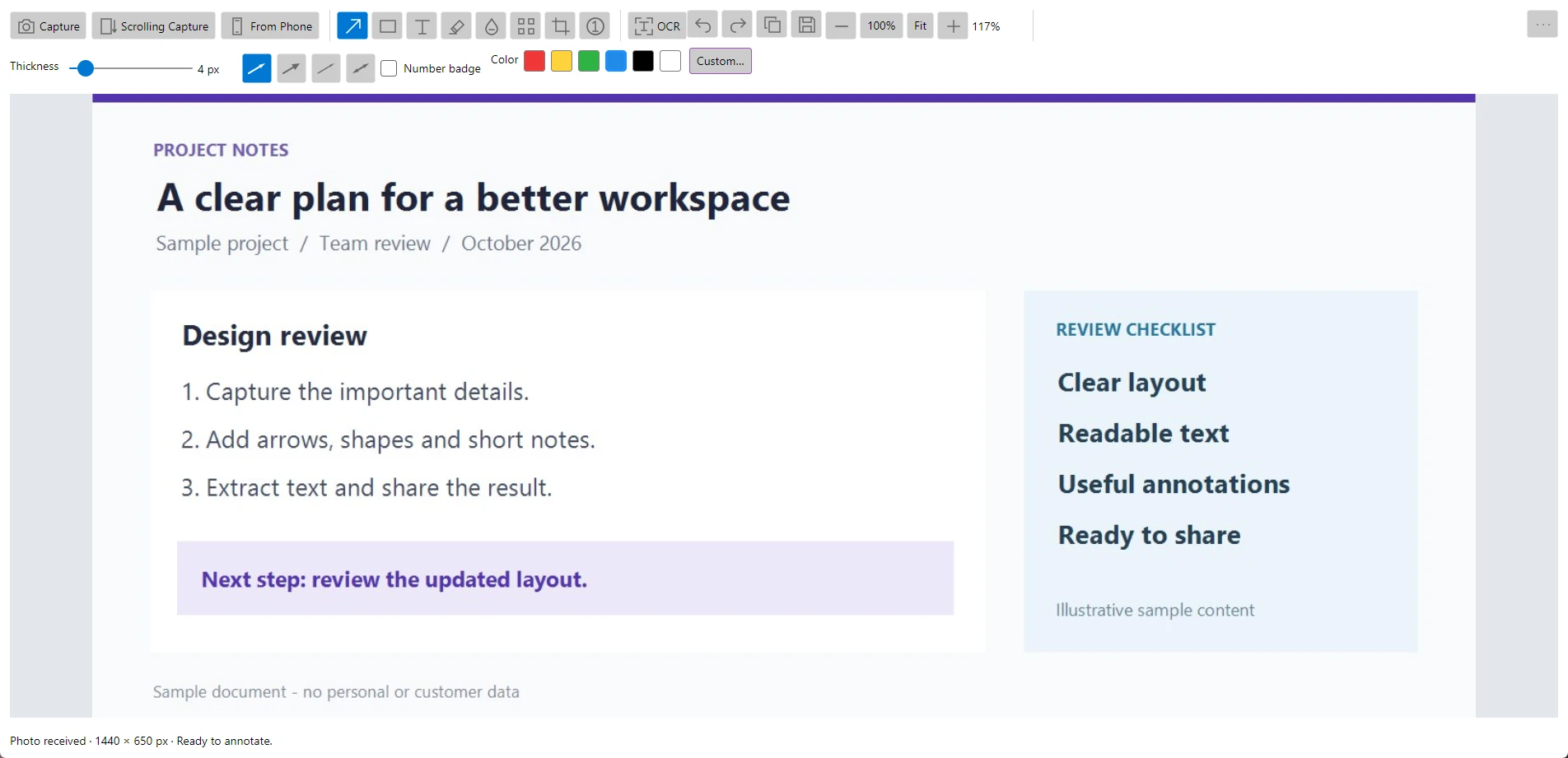
Open From Phone, scan the QR once and keep the session open. Take or choose photos one after another: each new image arrives directly in Colbe Shot. No phone app required.
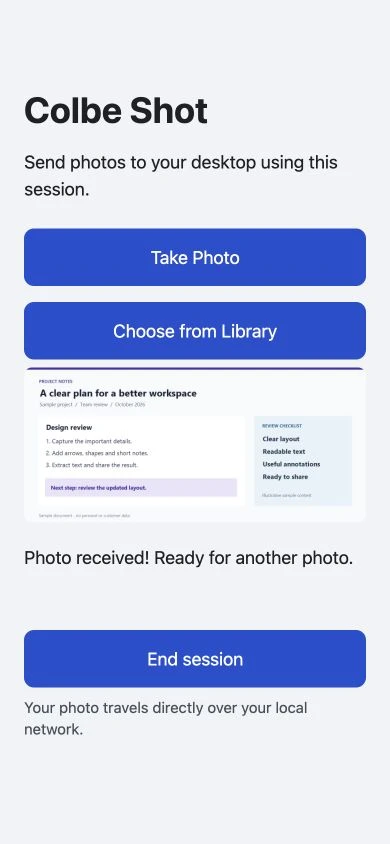
Use a trusted local network. Transfer uses local HTTP, not encrypted cloud sync. JPEG and PNG are supported; HEIC may need conversion.
03 / IMAGE TO TEXT
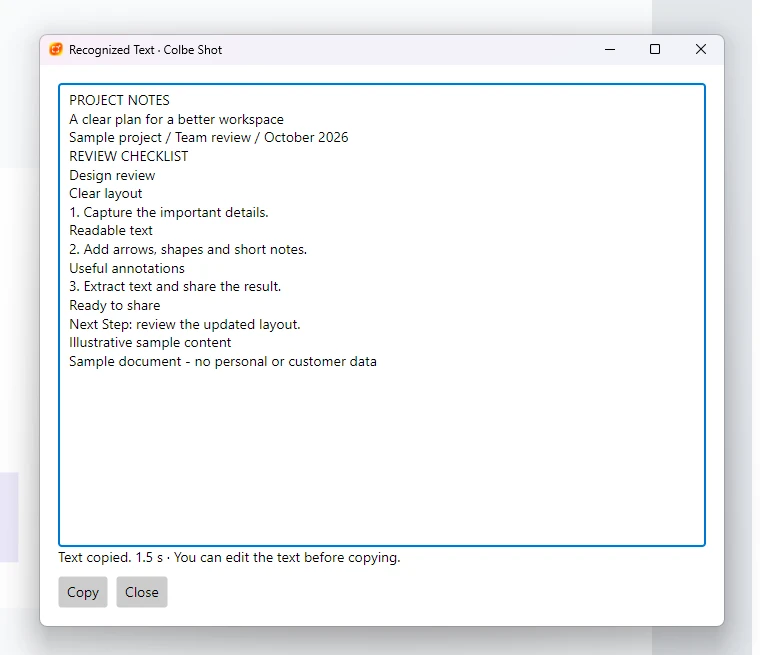
Run OCR on the full image or a selected area, review the text and copy it. For a faster route, configure the Full Image OCR shortcut: it copies text from the entire current image straight to your clipboard, with no chooser or results window.
Recognition runs on your device. Languages depend on Windows language packs or macOS text recognition support; accuracy varies with the image.
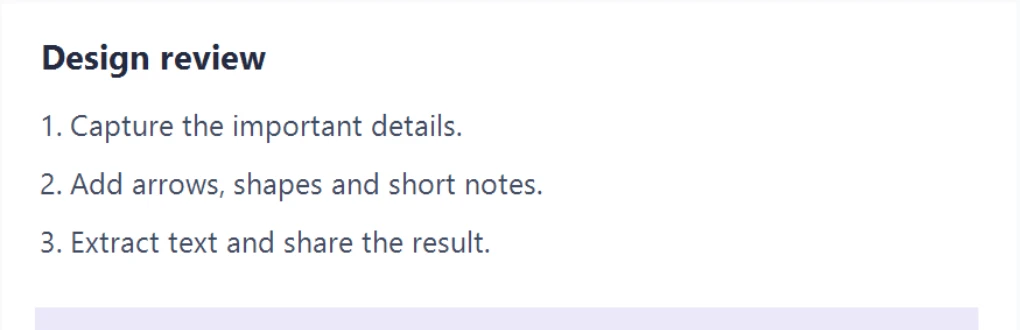
04 / BEFORE YOU SHARE
Blur a name. Pixelate an email address. Apply either effect to just the area you select, and keep the rest of the screenshot useful.
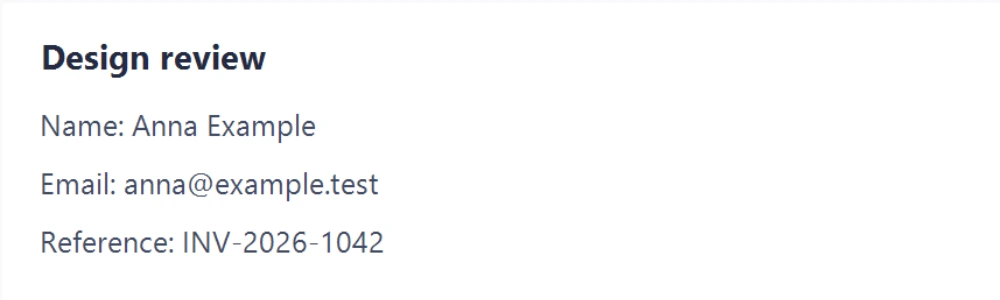
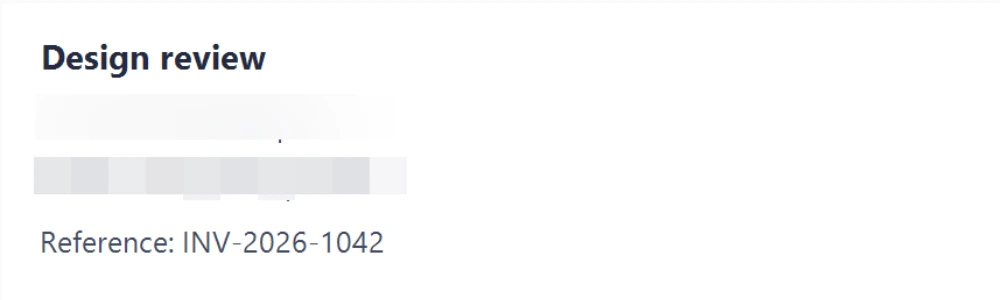
Synthetic data only. Both effects were applied in Colbe Shot. Check your exported image before sharing; the original can remain in local history.
ONE SHORT WORKFLOW
Select a region with Capture or F1.
Add arrows, numbered steps, shapes or text.
Blur or pixelate selected areas.
Run OCR when you need the words.
Paste the image, or export a file.
Copy the finished image into a message or document. Use automatic clipboard updates after edits, or copy manually. Save in the format you need.
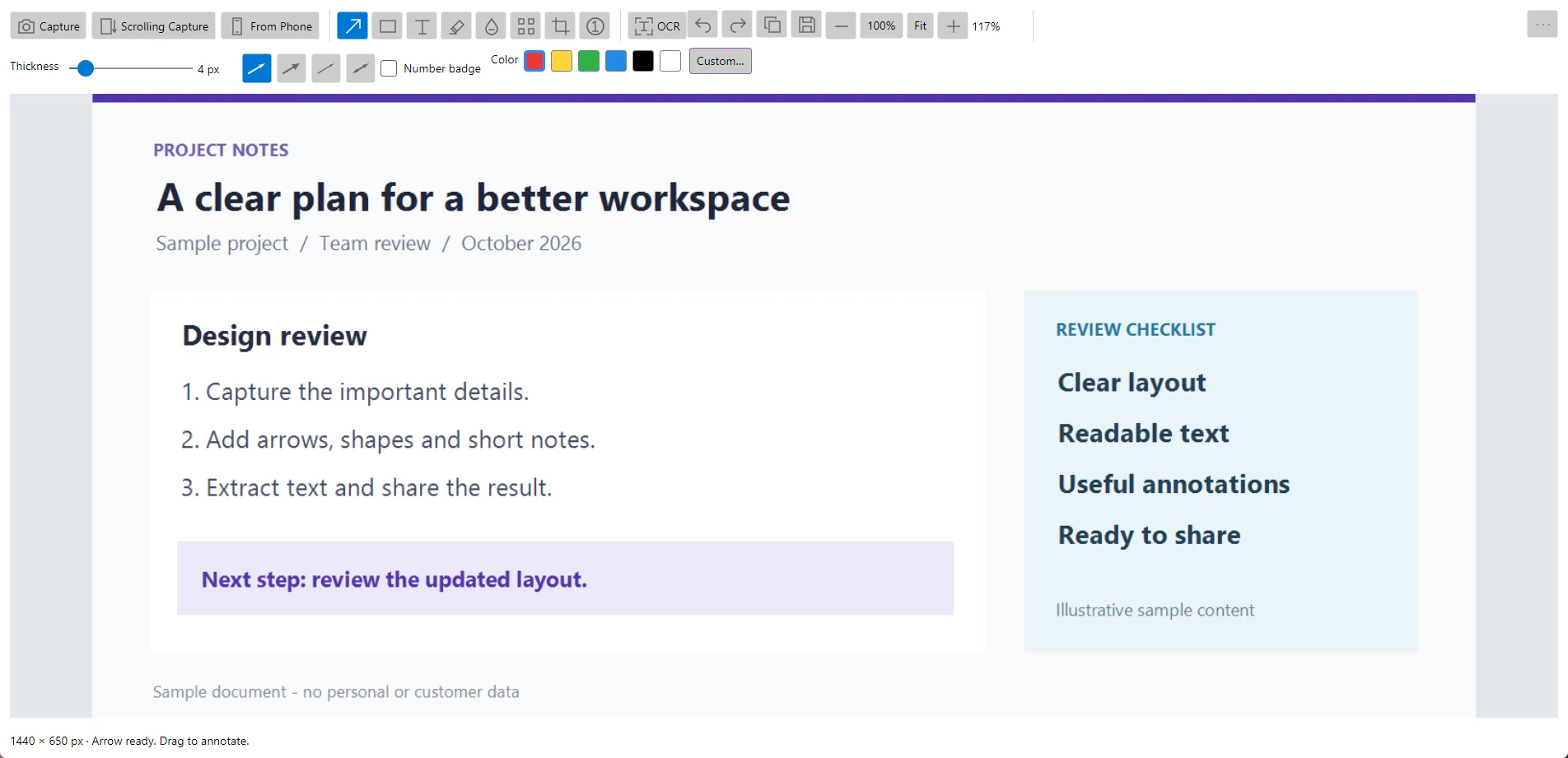
Point to the exact UI issue.
Number the steps to follow.
Mark the change and add a note.
Extract a passage without retyping it.
SIMPLE LICENSE
Download the app for free and try all features for 7 days. After the trial, a CHF 29 one-time license can be purchased directly from Colbe.
7-day free trial
CHF 29
one-time license
No subscription
Buy a Colbe licenseFor one machine, with lifetime use of the purchased version. No subscription or recurring charge. Future updates and support are not promised.
LOCAL EDITING
Capture, editing and OCR happen on your device. Images are not uploaded to a cloud OCR service.
License purchase uses the Colbe shop and a device-related Machine ID. This is not a promise that every step works without a network connection.
FAQ
No. CHF 29 buys a one-machine license for lifetime use of the purchased version. Future updates and support are not guaranteed.
Seven days of full app functionality. The same application is used for trial and licensed use.
Copy Machine ID from Settings → License, purchase through the Colbe shop with that ID, then download and import the personalized signed license file. Keep the original file for later reimport.
Text from the full image or a selected region, with an editable result. The configurable Full Image OCR shortcut copies text from the entire current image directly to the clipboard. OCR is local; languages depend on Windows language packs or macOS text recognition support. Perfect recognition and table reconstruction are not promised.
Yes. Blur and Pixelate apply to a selected area. Review the exported result, and remember that an unedited original may remain in local history.
Yes. Connect both devices to the same trusted local network, open From Phone and scan the QR once. Keep the session open to take or choose more photos, one after another. Each image arrives directly in Colbe Shot. No phone app is required.
The app has no advertising or telemetry. Buying a license uses the Colbe shop and a machine-related identifier.
Windows 11, build 22000 or later, on x64 and ARM64; macOS 14 or later on Apple Silicon (ARM64). Download Windows from Microsoft Store or the macOS DMG directly. Intel Macs are not supported.
From Phone lets you choose an existing JPEG/PNG image from the phone library and send it to the editor.
Capture. Add the details. Copy or save.